
Keep your brand professional
Take advantage of marketing Firepower's reputation management tools.
The Four Steps to your reputation's success
Automate
Post-Service Triggers: Automatically requests a review the moment a job is marked complete.
Personalized Outreach: Requests are sent via SMS or email and customized with the customer's name, service, and date, adding a personal touch to the message.
Zero Manual Follow-Up: Every customer gets asked, every time — removing the need to rely on someone remembering to send a request.
Filter
Smart Sentiment Routing: Happy customers are directed straight to Google or Facebook. Unhappy customers are quietly routed to a private feedback form instead.
Catch Problems Early: Give dissatisfied customers a private outlet to flag issues before they turn into a public 1-star post.
Protected Public Rating: Keeps your visible star rating strong while still surfacing honest, actionable feedback behind the scenes.
Monitor
Unified Review Inbox: See new Google and Facebook reviews in one dashboard instead of checking multiple platforms.
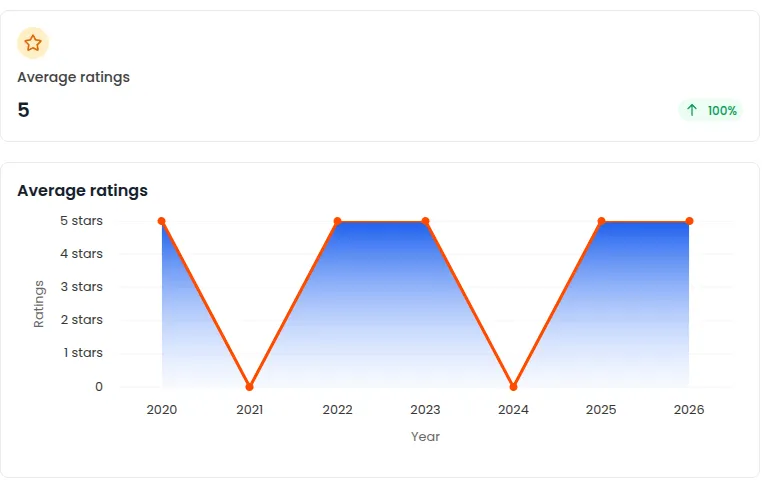
Reputation at a Glance: Track your overall rating trend and spot recurring complaints before they become patterns.
Respond Without Leaving the Platform: Reply to reviews directly, so nothing sits unanswered for weeks.
Showcase
Website Review Widgets: Display your best reviews directly on your site to build trust before a visitor even calls.
One-Link Review Collection: Send a single shareable link or QR code that takes customers straight to leaving a review.
Compounding Social Proof: A steady stream of new 5-star reviews becomes a trust signal that keeps working for you long after it's posted.
FAQs
Why not just rely on Google's built-in review request tools?
Google lets you share a review link, but it doesn't automate when to send it, doesn't filter unhappy customers away from your public rating, and doesn't give you a place to monitor or respond to reviews. Marketing Firepower's Reputation Management handles the full loop.
What's the difference between this and other 3rd party services?
The core capability is similar... automated review requests, monitoring, and response tools. The difference is that Marketing Firepower's version is built into the same platform running your CRM, calendar, and marketing, rather than being a separate subscription your team has to log into and manage on its own.
Do I need to manually decide who gets asked for a review?
No. Once a job or appointment is marked complete, the request goes out automatically. You only get involved if a customer leaves negative feedback, which gets routed to you privately for follow-up.
Can a customer leave a negative review even with the filtering in place?
Yes, the filter simply gives unhappy customers a private outlet first. If they still choose to post publicly elsewhere, that's outside the system's control. The goal is to reduce avoidable negative reviews, not to prevent every one.
Will this work if I already have reviews on multiple platforms?
Yes. The dashboard pulls in Google and Facebook reviews so you're monitoring and responding from one place, even if you were previously managing them separately.
How long does it take to see more reviews after setup?
Most businesses see new reviews within the first week, since requests go out automatically after every completed job rather than waiting on manual outreach. Volume builds steadily from there as it becomes part of your normal workflow.
©2026 | Marketing FirePower